Every authenticated user can access a private workspace, discover people, and launch private conversations.

Private Communications PlatformSecure. Private. Built for Organizations.
Private by design ● LIVE PRIVATE CHAT
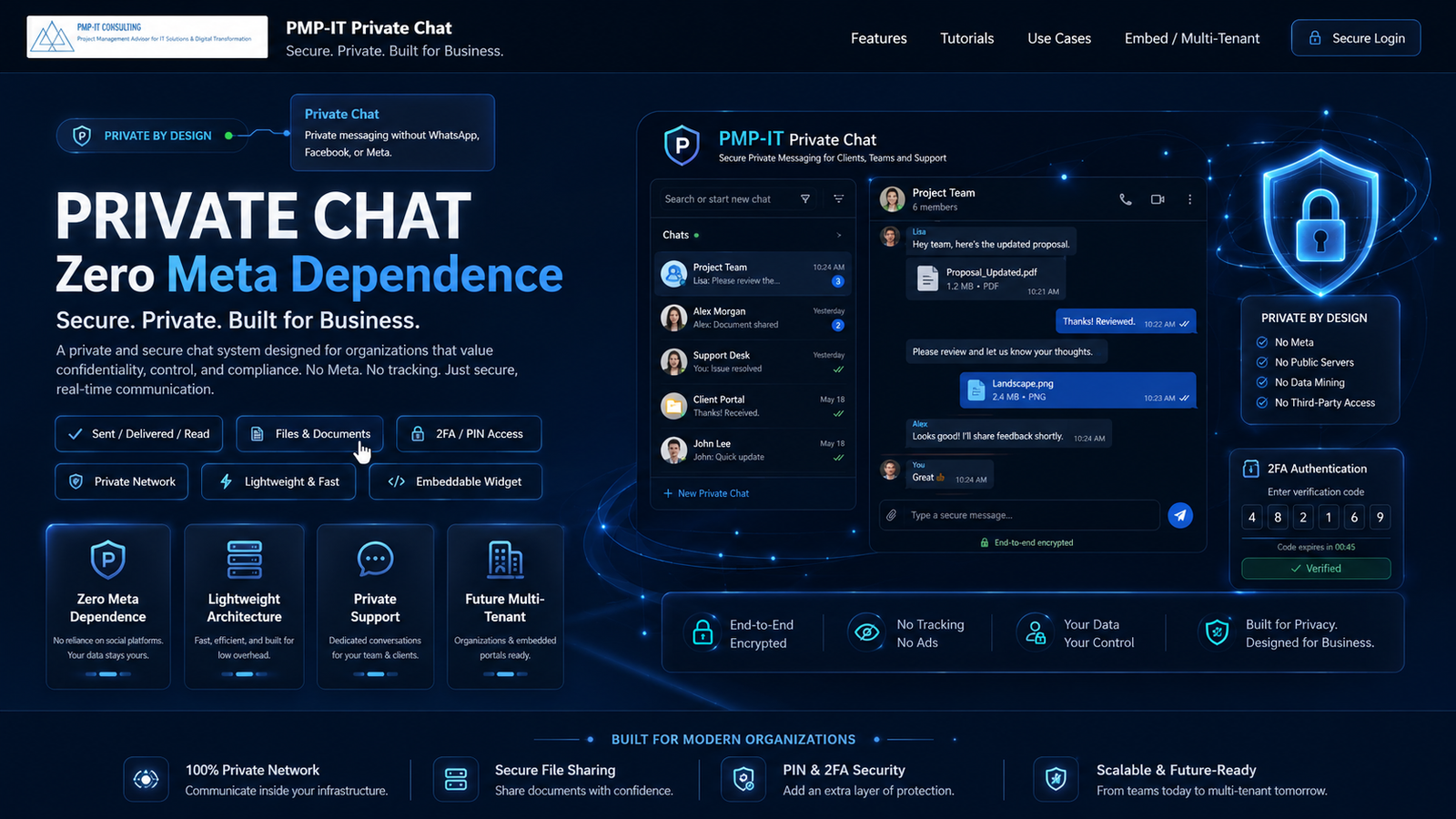
PRIVATE CHAT
Dedicated messaging for clients, teams and support — outside public social platforms.
PRIVATE CHAT Multi-User · Multi-Tenant Ready
A professional private communications workspace for private support, direct messaging, many-to-many collaboration, browser voice and video, invited users, controlled team operations, and strong data protection. Keep conversations, files and call sessions inside your client-controlled environment and network with encryption at rest, encryption in transit and client-controlled key separation — without requiring Microsoft Teams, Google Meet, Zoom, Slack, Meta/WhatsApp, Salesforce or ServiceNow.
✓ Sent / Delivered / Read
📎 Files & Documents
🔐 Secure PIN / 2-step access
🔒 Encryption at Rest
↔ Encryption in Transit
⚡ Lightweight process
🎙🎥 Web Voice / Video BETA
🛡️ Private portal
◫ Embed-ready architecture
Available Today
Private messaging · direct and many-to-many chats · user self-registration · invite by email · documents & attachments · secure PIN access · web voice/video sessions
NEW: authenticated users can collaborate in private groups, invite more members by email, and access a multi-user private network experience with a multi-tenant-ready foundation.
🏢 Multi-tenant-ready architecture
👥 Multi-user private network
✉️ Invite users by email
🎙🎥 Many-to-many browser conferencing
1:1 + GroupPrivate conversationsDirect chat and many-to-many group messaging from the same secure platform.
Email InviteEasy onboardingBring in new members by email and let them register securely with PIN verification.
WebRTCVoice & VideoLaunch secure browser voice and video sessions for collaboration without PSTN dependency.
Tenant-ReadyProfessional scaleDesigned for future tenant isolation, branding and controlled organizational deployment.
◎Zero MetaNo social-platform dependency
⚡Low OverheadLightweight client/server flow
💬Private ChatDedicated conversations
🏢Multi-User & Multi-TenantOrganizations & embedded portals
Delivered & ReadReal-time message status
Document SharedPrivate file exchange
Private SessionSecure PIN access
Private support is typing
🔒 PRIVATE CHAT✓ SENT✓✓ DELIVERED👁 READ STATUS
📎 DOCUMENTS⚡ LIGHTWEIGHT🛡 PRIVATE SUPPORT🔐 EMAIL PIN ACCESS👥 MULTI USER✉️ EMAIL INVITES
◎ ZERO META DEPENDENCE◫ EMBED-READY ROADMAP
🔒 PRIVATE CHAT✓ SENT✓✓ DELIVERED👁 READ STATUS
📎 DOCUMENTS⚡ LIGHTWEIGHT🛡 PRIVATE SUPPORT🔐 EMAIL PIN ACCESS👥 MULTI USER✉️ EMAIL INVITES
Secure private messaging
Private messaging built for secure organizations.
This private communications platform gives customers and teams a familiar messaging workflow without relying on public social platforms. Keep conversations private, share files, follow message status and give administrators a professional support workspace.
✓✓Read / Delivered / SeenKnow when a message is sent, delivered and viewed.
📄Secure File SharingShare PDFs, images, screenshots and supporting files privately.
🔐Secure PIN AuthenticationUse registered identity information and a one-time PIN for private access.
🔒Encryption at RestMessages, attachments and sensitive fields are encrypted before permanent storage.
↔Encryption in TransitHTTPS/TLS protects web traffic while browser media uses encrypted WebRTC transport.
🗝️Key Separation ModelEncryption keys are separated from database content and can be client-vault or HSM managed.
Secure Login / Registration
Access your private support chat, multi-user workspace, or invited many-to-many group hosted within the client network.
🔐 PIN Access🔒 Encrypted at Rest↔ TLS in Transit🗝 Key Separation📎 Attachments👥 Multi-User✉️ Invite by Email
Quick Access Information
New Users WelcomeSecure self-registration with email PIN verification is enabled.
Invited UsersIf someone invited you by email, register or sign in with that same invited email. After PIN verification, you are added automatically to the invited private group.
Support + NetworkUse the same platform for private support messaging and broader multi-user collaboration.
Professional ExperienceClean, public-facing onboarding designed to present the platform professionally.
Encryption Snapshot
At RestApplication-level encryption protects stored message content, secure file content and selected sensitive fields before storage.
In TransitBrowser traffic is protected with HTTPS/TLS while voice and video sessions rely on encrypted WebRTC transport.
Key ProtectionKeys are separated from the database and can be held in a protected key file or a client-controlled vault / HSM.
Architecture Snapshot
Typical cloud-platform path
With platforms such as Teams, Zoom, Meet and similar services, signaling, identity, chat, storage or media services commonly traverse vendor-operated cloud infrastructure.
User→Internet / Egress→Vendor Cloud→User
Client-hosted private path
When this platform is deployed inside the client environment, communications can remain within client-controlled network boundaries, subject to deployment architecture and policy.
User→Client Network→Private Platform→User
New users are registered automatically after email PIN verification. Messages remain private inside this support portal and multi-user network. Stored content can be encrypted at rest, browser traffic is encrypted in transit, and keys can remain under client control. Invitees can join many-to-many groups by email. Independent network — no required Meta, Azure, AWS, Salesforce or ServiceNow dependency.
Now expanding
👥Multi-user experience
✉️Invite by email
🎙🎥Many-to-many collaboration
🏢Multi-tenant-ready positioning
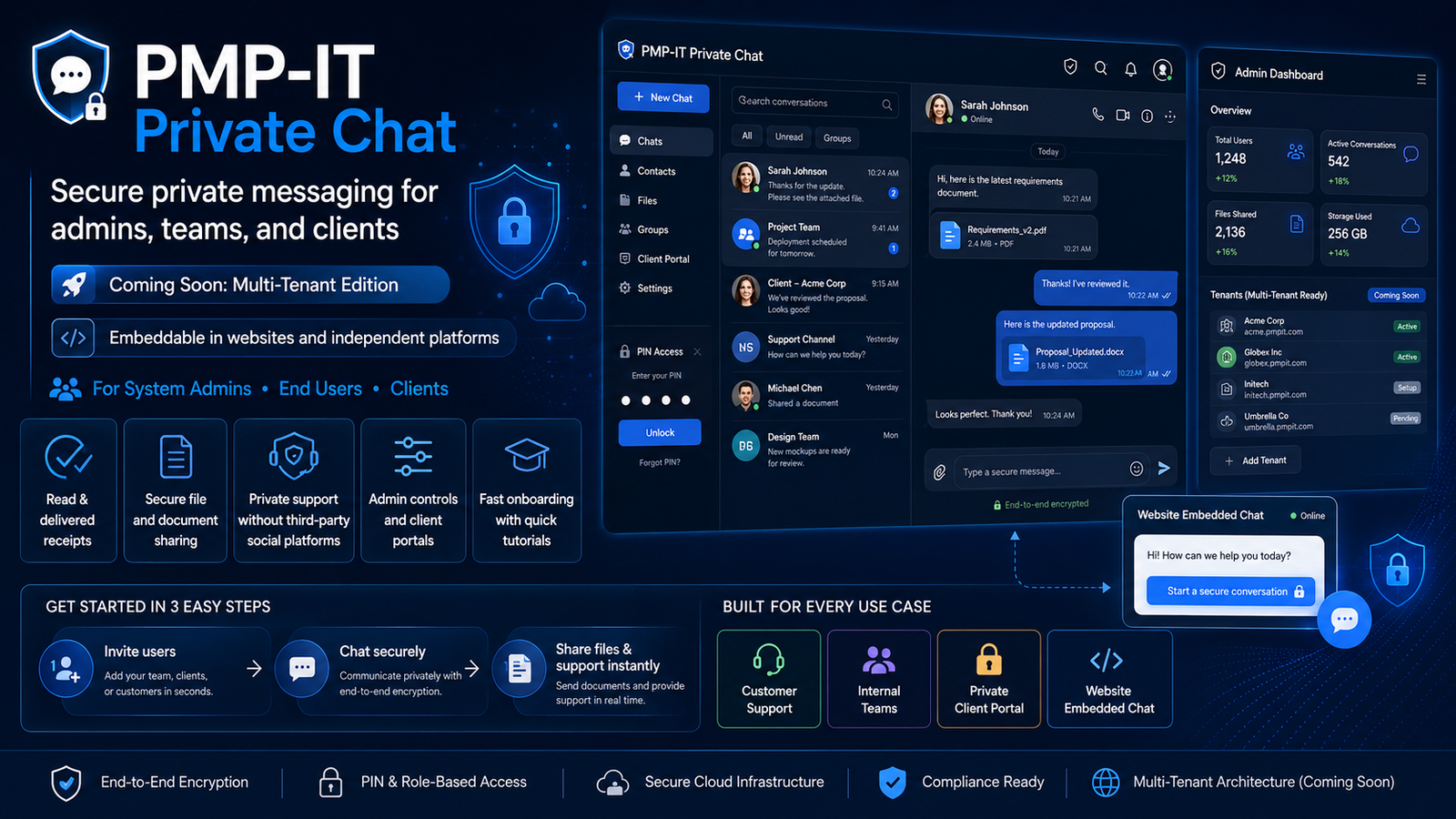
Multi-user private network with multi-tenant-ready marketing and onboarding.
This private communications platform is evolving from a private support channel into a broader communications layer for users, teams, organizations and invited participants. New users can self-register securely, administrators can invite people by email, and many-to-many communication is now part of the experience.
Self-registrationEmail invitationsDirect messagingMany-to-many groupsBrowser voice & videoMulti-tenant-ready foundation
Bring in additional members by email for many-to-many collaboration and smooth onboarding.
Move from support-only messaging into private groups, browser voice calls and video sessions.
Public-facing splash and login experiences now market a professional path toward organization-based workspaces.
MULTI USER
EMAIL INVITES
PRIVATE GROUPS
TENANT READY
Private Chat in Action
See the private-chat experience before you sign in.
A visual walkthrough of the core client experience: private conversations, message status, secure attachments, PIN access, multi-user collaboration and professional support continuity.
✓ Delivered
✓✓ Read
📎 Proposal.pdf
Private Session
Security, privacy and multi-user control by design
Clear, professional marketing for the features that matter most: private access, controlled conversations, lightweight delivery and an independent platform.
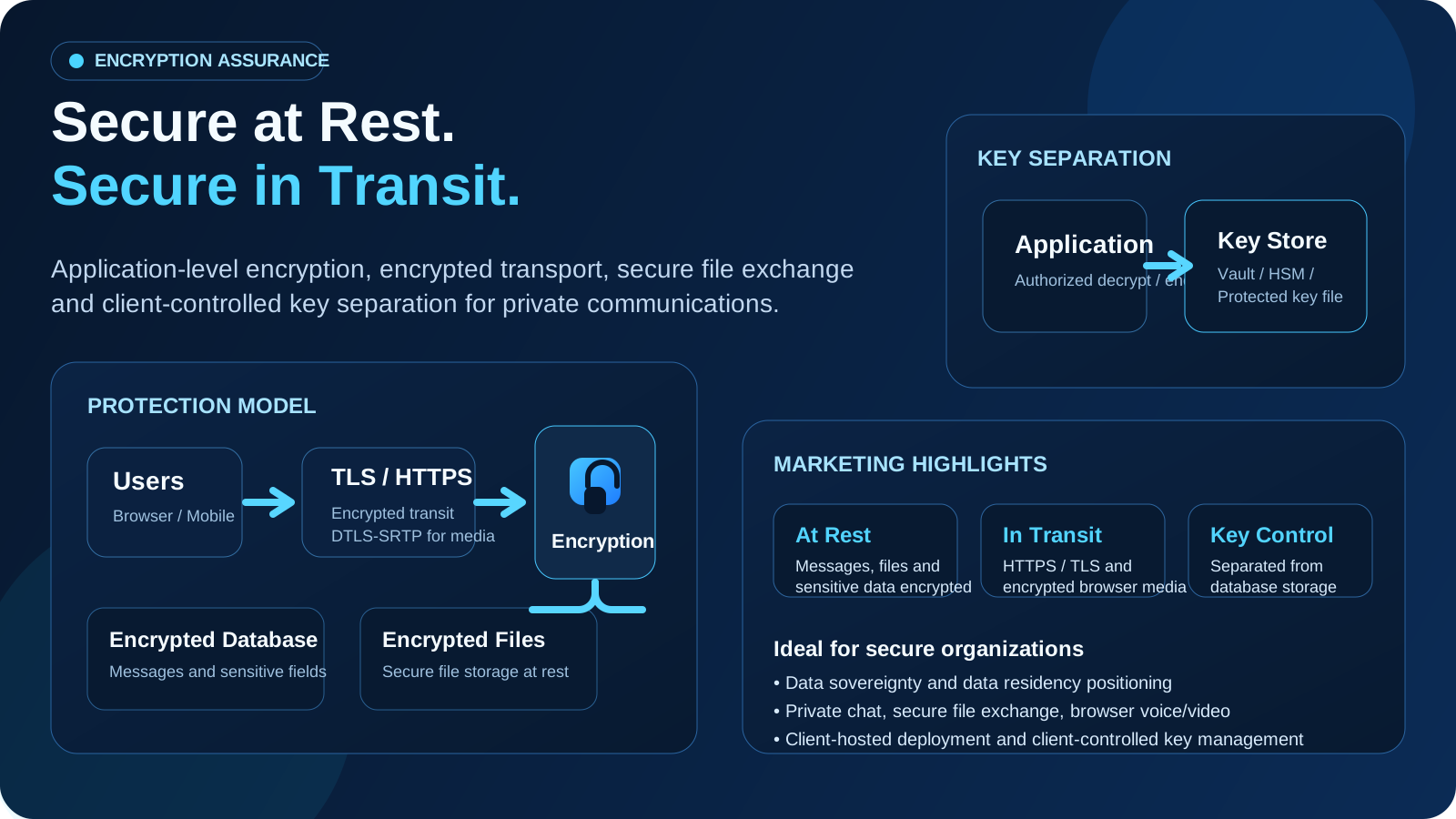
Secure at rest. Secure in transit. Managed with key separation.
Present a stronger trust story to your users and stakeholders: messages, files and selected sensitive fields can be encrypted before storage, browser traffic is protected in transit, and encryption keys can stay under client control through a protected key file or client-managed vault / HSM model.
Encrypted at RestEncrypted in TransitKey SeparationClient-Controlled Security
At RestApplication-level encryption can protect stored messages, secure file content, notes and selected sensitive fields.
In TransitHTTPS / TLS protects browser traffic, and encrypted WebRTC transport protects live audio / video sessions.
KeysKey material stays outside the database and can remain client-controlled in a protected file, vault or HSM workflow.
DeploymentIdeal for client-hosted environments where sovereignty, residency and controlled operational access matter.
Encryption at rest model
Stored content is encrypted before permanent storage so a raw database or storage dump does not automatically expose readable communications.
User→Private Platform→Encryption Engine→Encrypted DB / Files
Encryption in transit model
Users connect through HTTPS / TLS, while browser voice and video sessions use encrypted WebRTC transport such as DTLS-SRTP.
User A⇄TLS / HTTPS⇄Private Platform⇄User B
Key management model
Encryption keys are separated from the database and can be managed through a client-controlled key file, secret manager, vault or HSM.
Application→Key Store→Vault / HSM / Protected Key File
Protection layers: authenticated encryption for stored content, encrypted transport for web traffic and WebRTC media, secure file exchange, and client-controlled key separation — all reinforcing a stronger security and sovereignty posture for the platform.
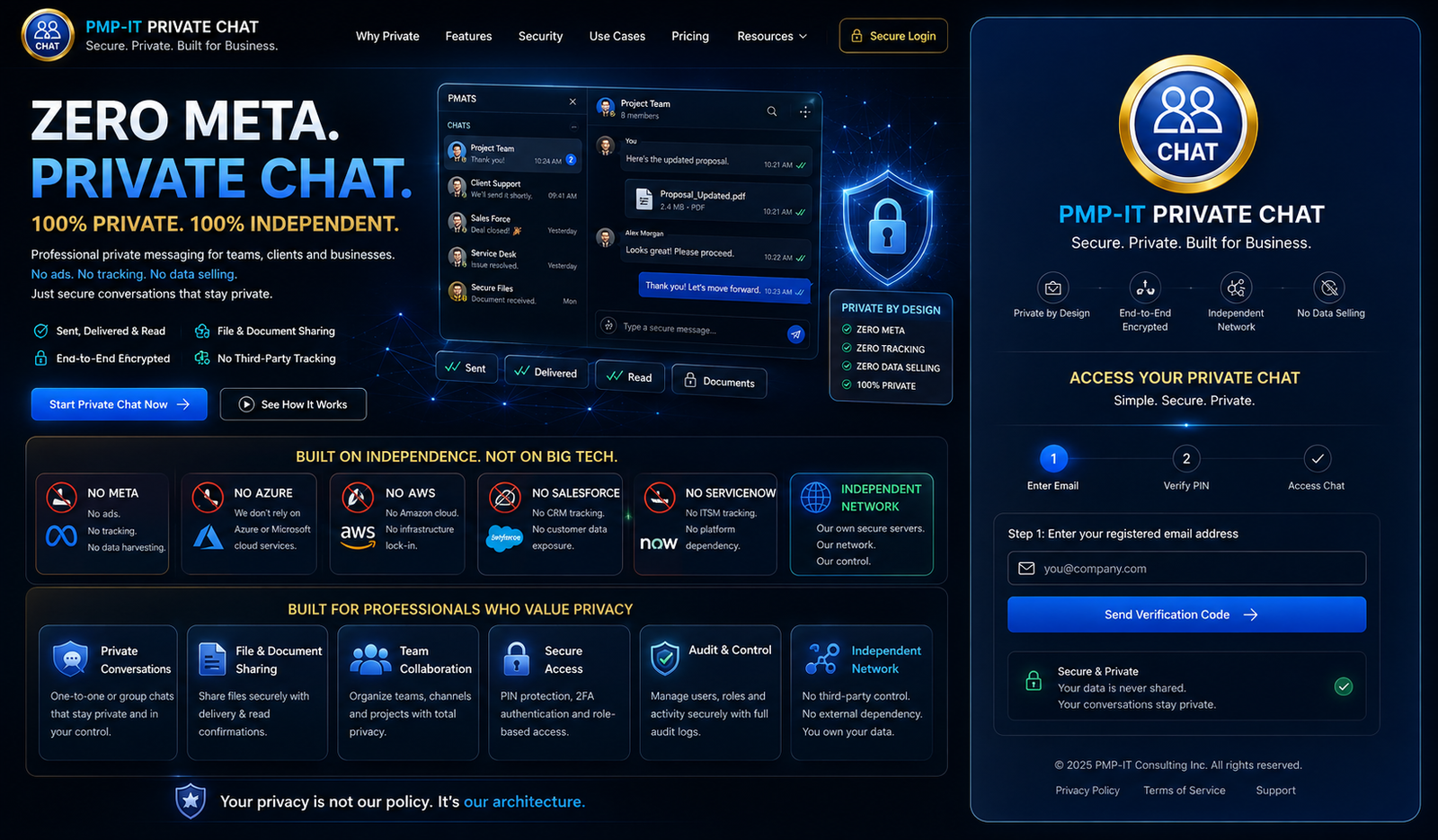
Independent Multi-User Network
◎NO METANo required WhatsApp, Facebook or Meta dependency.
△NO AZURENo Microsoft Azure requirement for the private-chat workflow.
☁NO AWSNo Amazon Web Services requirement for private-chat operation.
◉NO SALESFORCEPrivate messaging remains independent of Salesforce CRM.
⚙NO SERVICENOWSupport chat does not require ServiceNow service-management infrastructure.
🛡INDEPENDENT NETWORKYour private communications subsystem stays inside the client environment and network.
Private chat, many-to-many collaboration, voice and video with no required Teams, Google Meet, Zoom, Slack, Meta, Salesforce or ServiceNow dependency.
This platform is an independent communication layer for clients, teams and support. The core private communications workflow can operate without requiring Microsoft Teams, Google Meet, Zoom, Slack, Meta/WhatsApp, Salesforce or ServiceNow. Hosting and integrations remain your deployment choice.
◎ NO META
△ NO AZURE
☁ NO AWS
◉ NO SALESFORCE
⚙ NO SERVICENOW
◫ NO TEAMS
◎ NO GOOGLE MEET
◉ NO ZOOM
# NO SLACK
🛡 INDEPENDENT NETWORK
Independent by design. Future versions can still support approved integrations and embedded widgets, while the core private-chat experience remains under your control and is not locked to a major cloud, CRM or social platform.
NO META
NO AZURE / NO AWS
NO SALESFORCE
NO SERVICENOW
Quick Tutorials — private, simple and secure
A clear public onboarding path so clients understand exactly how to access and use the platform.
1
Confirm your phoneEnter your phone number. Existing accounts are matched automatically; first-time users can continue to secure registration.
2
Confirm your registered emailEnter your email address. New accounts are created only after email PIN verification.
3
Receive your secure PINA one-time login or registration PIN is sent securely to your email.
4
Chat, share, invite and collaborateSend messages and files, follow delivered and read status, and expand many-to-many collaboration through private groups.
Professional product visuals
Marketing imagery that explains the platform to administrators, teams and end users.
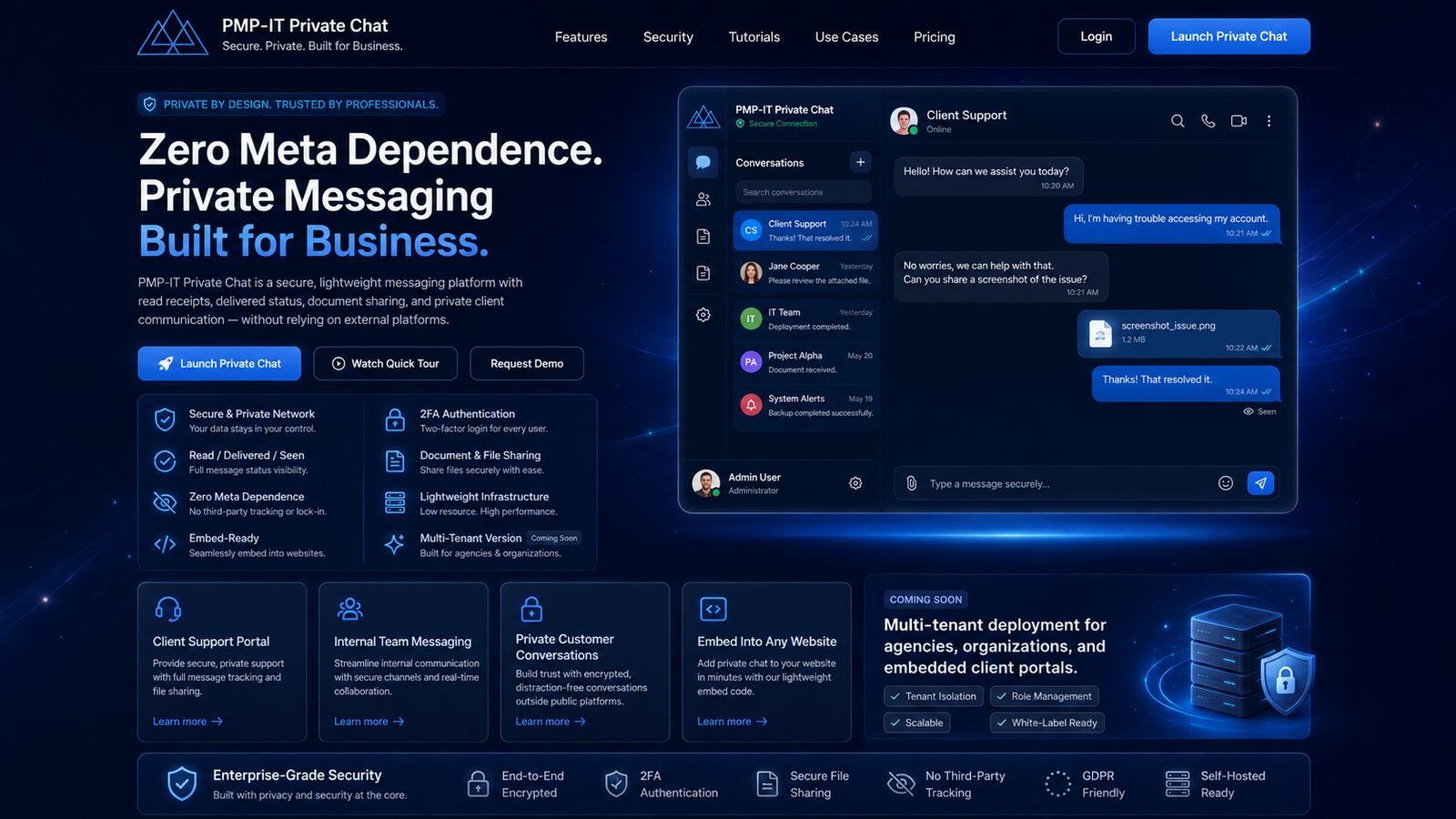
Enterprise Splash ExperiencePrivacy-focused messaging, support workflow and admin/client capability.
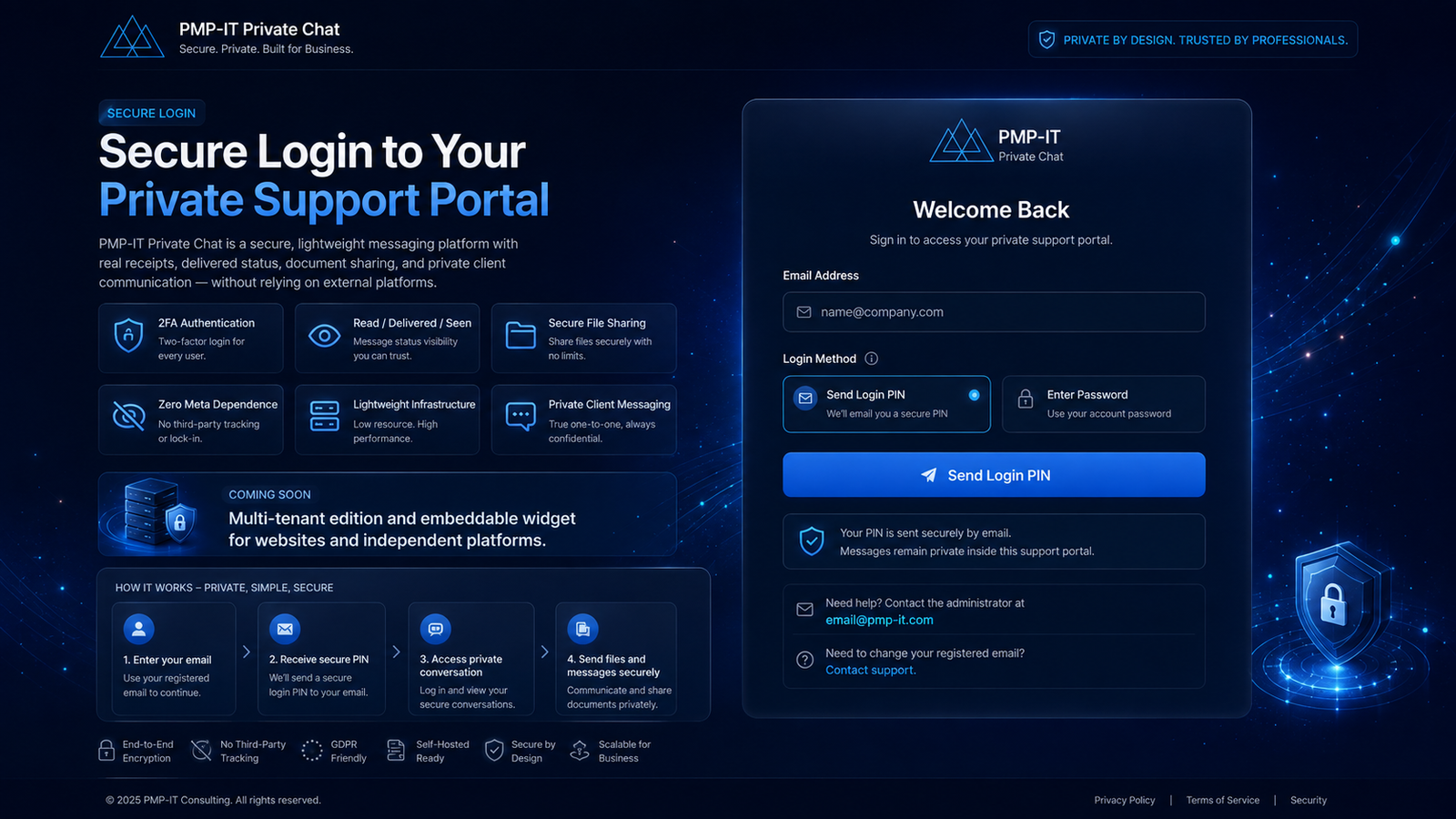
Secure Login ExperienceProfessional PIN-based access and clear customer onboarding.
Multi-User & Multi-Tenant PositioningProfessional public marketing for organization workspaces, invited users and future tenant-ready expansion.
Encryption Assurance VisualProfessional marketing visual for encryption at rest, encryption in transit and client-controlled key separation.
Built for real-world use
The same lightweight private-chat subsystem can support several professional scenarios, especially where organizations want tighter control of network boundaries, data flow and hosting.
🎧Client Support Portal
Provide private support messaging, message status and document exchange.
👥Internal Team Messaging
Support secure internal conversations and operational follow-up.
🔐Private Customer Conversations
Give customers a dedicated portal outside public messaging platforms.
◫Embedded Website Chat
Future widget delivery for approved websites and independent platforms.
🛡️Defence & Security Teams
Support sensitive project coordination, controlled file exchange and restricted participant access inside a client-managed environment.
🏛️Government / Public Sector
Enable communications where data sovereignty, data residency and reduced third-party dependency are important design considerations.
🚨Incident Response
Create a private war room for chat, browser voice/video and exchange of operational documents during time-sensitive incidents.
⚖️Legal / Confidential Advisory
Provide confidential client channels with controlled membership, OTP-based access and private document collaboration.
🏢Executive & Board Rooms
Keep executive collaboration in a private workspace rather than routing sensitive conversations through mainstream collaboration ecosystems.
🏥Controlled Enterprise Operations
Use a client-hosted secure channel for specialized operational, regulated or privacy-sensitive team workflows.
Understand the network boundary before you choose the platform.
Teams, Zoom, Meet, Slack and similar platforms can be secure and useful, but they are commonly delivered through vendor-operated cloud services. For organizations that want a client-hosted closed communications layer, the architecture objective is different: keep the service inside the client environment and reduce unnecessary third-party data paths.
Vendor-cloud collaboration path
In many mainstream collaboration platforms, identity, chat, meeting signaling, notifications, storage and sometimes media traversal rely on external vendor services. Even when users are in the same organization, some traffic or related service data commonly exits toward the vendor cloud.
User ADesktop, mobile or browser client
→
Client Internet EgressFirewall, proxy or internet path
→
Vendor Cloud ServicesIdentity, signaling, chat, storage, relay and platform services
→
User BReceives chat, call or shared content through the service path
ExamplesTeams, Zoom, Meet and similar platforms generally involve externally operated service components.
ImplicationStrong security controls may exist, but the platform typically remains outside direct client ownership and control.
Private communications path inside the client network
This platform can be deployed with its web application, authentication flow, file storage and communications services inside the client environment. The design goal is to keep communications under client control and within client-defined boundaries, subject to the chosen hosting, TURN/relay, SMTP, logging and security policy architecture.
User ABrowser or managed client inside the organization
→
Client Network Security LayerInternal DNS, firewalls, reverse proxy, identity and policy enforcement
→
Private Communications PlatformChat, OTP, browser voice/video, group collaboration and secure file exchange
→
User BCollaborates within the same client-controlled environment
Client-hostedClient-controlled storageOTP-secured accessPrivate group invitationsSecure file exchangeReduced third-party dependency
Designed for private and sensitive operational use.
Use the same dedicated web communication layer for secure client support, executive coordination and controlled internal collaboration. Deployment controls, hosting, identity, logging and accreditation determine the final security level.
Dedicated chat, voice and video for controlled project teams that want separation from public collaboration platforms.
Controlled internal communicationsKeep responders in a focused private channel for messages, documents and browser calls during operational incidents.
Fast operational coordinationDedicated communication for executives, advisors or project leadership where access is limited to registered participants.
Restricted participant accessA private client portal for sensitive discussions, document exchange and browser-based calls outside consumer messaging apps.
Client-controlled workspaceProvide customers and internal service teams with a branded private support channel independent of large CRM and collaboration suites.
Independent support layerIsolate project communications within a dedicated application and hosting environment with organization-specific access controls.
Dedicated environmentSecurity positioning: This platform can be deployed as a controlled private communications application inside a client environment. It should not be represented as a government-certified classified/SECRET communications system unless the hosting, cryptography, operational controls and formal accreditation for that classification have been separately implemented and approved.
Strategic growth
Multi-Tenant Expansion + Embeddable Website Widget
The splash/login structure now actively markets multi-user growth and remains ready for a future multi-tenant architecture where different organizations can use isolated workspaces and approved websites can launch this private-chat subsystem through a lightweight widget.